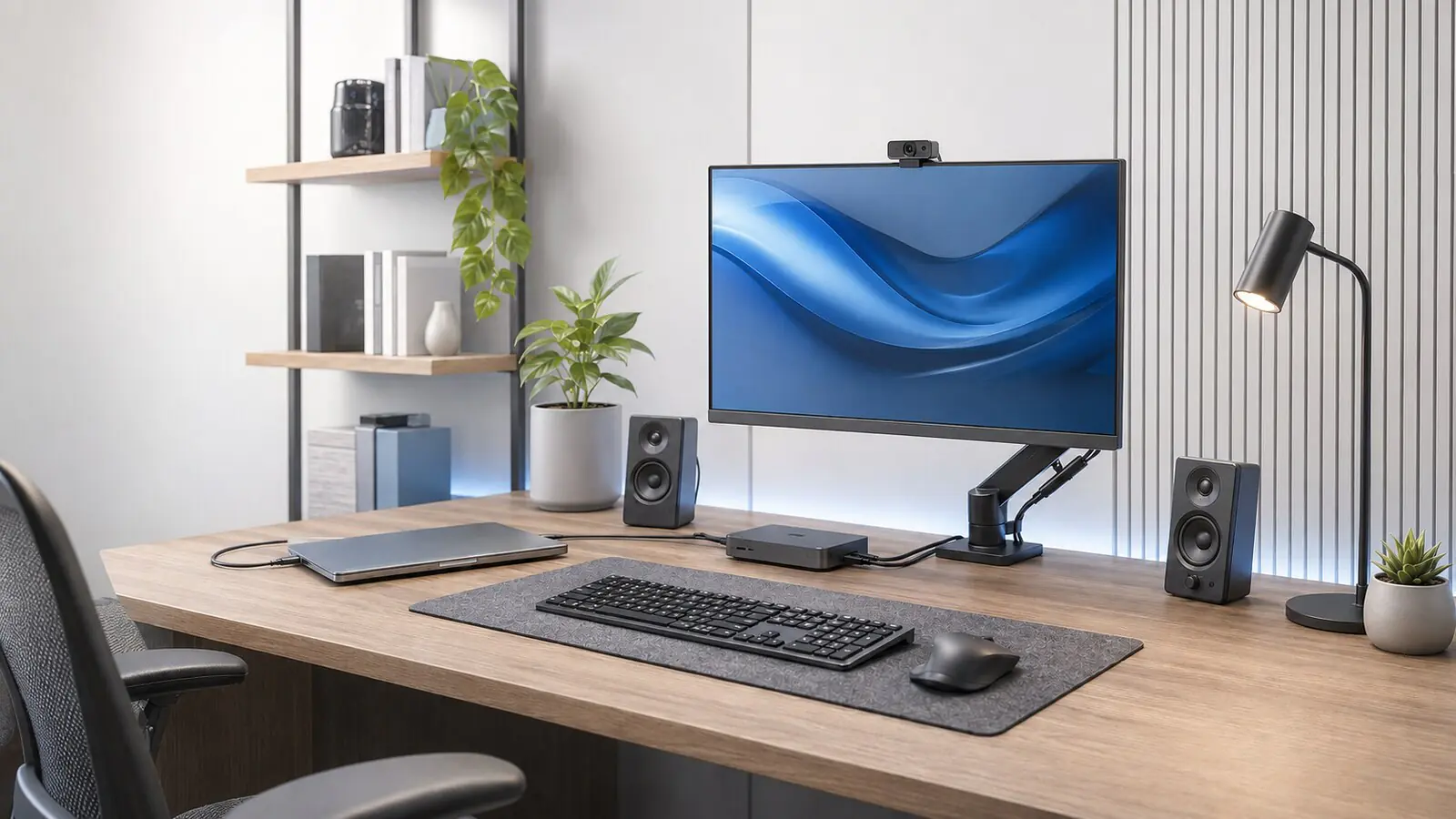
A good workstation does not have to be complicated. A few thoughtful choices are enough to work more comfortably, reduce distractions and make the technology you use every day easier to maintain.
Start with the most important activities
Observe how you actually use your desk before choosing accessories and devices. Video calls, documents, graphics and managing several windows require different spaces and configurations. Defining these priorities avoids unnecessary purchases and makes the workstation more coherent.
- Place the screen at eye level
- Leave enough room to move the mouse and keyboard
- Keep only frequently used items within reach
Order and reliability go hand in hand
Organised, identifiable cables make the room more pleasant, but above all they help when you need to connect a new device or locate a problem. Plan a small technical area, use simple labels and leave some room for future upgrades.
Do not overlook the connection
A well-organised workstation loses value if the connection is unstable. Place the router in a location that is as unobstructed as possible, check coverage in the room and, when necessary, consider a wired solution or a Wi-Fi mesh system.