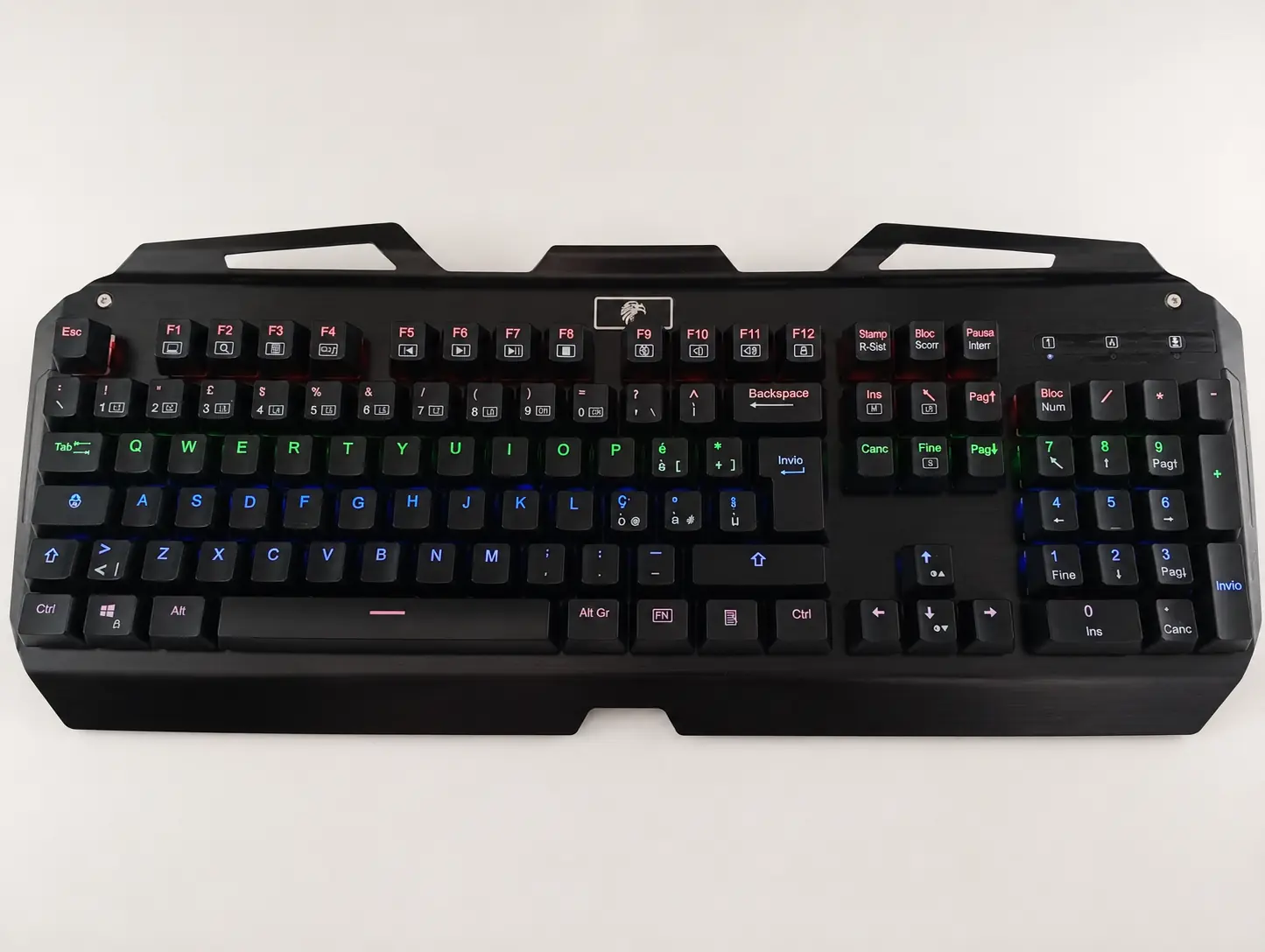
A well-built mechanical keyboard can stay with its owner for many years. Unlike membrane keyboards, each key uses an independent switch: this makes typing more precise, behaviour more predictable and, in many cases, maintenance easier.
The keyboard shown in this article is about ten years old. After heavy use it had dirt, signs of wear and several damaged keys, but its structure and electronics could still be recovered. With complete maintenance and replacement of the necessary components, it was possible to bring it back very close to its original condition.
Why choose a mechanical keyboard?
The most obvious benefit is the typing feel. Each switch can offer a linear or tactile response, or one accompanied by a click, allowing you to choose an experience suited to the way you work or play. Key pressure is also easier to recognise, which can make typing more controlled.
- Greater precision and feedback when pressing
- Individual switches replaceable on many models
- Keycaps and stabilisers often replaceable or upgradeable
- The possibility of customising layout, materials and typing feel
- A structure generally better suited to repairs and maintenance over time
A ten-year-old keyboard can feel new again
It would be inaccurate to say that a mechanical keyboard is truly eternal. Switches often have a rated life of tens of millions of presses, but keycaps, stabilisers, LEDs, the cable, connector, electronic board or solder joints can also wear out. The difference is that many of these elements can be cleaned, replaced or repaired without throwing away the whole keyboard.
This repairability is what makes a good mechanical keyboard so long-lasting: after ten years it may no longer be perfect, but it does not necessarily need replacing. Careful maintenance can restore a neat appearance and a pleasant feel, extending its life for many more years.
Maintenance: what to do and what to avoid
Thorough cleaning is not simply a matter of wiping the surface. Before starting, unplug the keyboard, photograph the layout and proceed methodically, especially when keys have different sizes or stabilisers are present.
- Always disconnect the keyboard from the computer before removing components
- Photograph the layout before removing the keycaps
- Use a keycap puller to avoid bending or breaking the mounts
- Wash the keycaps separately with lukewarm water and mild detergent
- Let the keycaps dry completely before refitting them
- Remove dust and residue with a soft brush or carefully used compressed air
- Do not spill liquids on the PCB and do not use general lubricants such as WD-40
- Check the switches, stabilisers, cable, connector and lighting before closing
How to choose switches by colour
When people talk about colours, they usually mean switches rather than keycaps. Colour is a widespread convention, but it is not universal: always check the manufacturer's specifications before buying. In general, the choice can be guided as follows:
- Red: a relatively light linear switch, suitable for people looking for a smooth, quiet press.
- Brown: a tactile switch with noticeable feedback but without the pronounced click of blue models; a balanced choice for writing and gaming.
- Blue: a tactile switch with an audible click, pleasant for many typing enthusiasts but not ideal in shared spaces.
- Black: a heavier linear switch, useful for those who prefer a firm press and want to reduce accidental presses.
- Silver or Speed: switches designed for faster actuation; they can be interesting for gaming but require good finger control.
Keycap colour, on the other hand, is mainly an aesthetic choice. For durability, material, legend printing, profile and compatibility with the keyboard layout matter more. PBT keycaps, for example, tend to resist the shine caused by use better than many ABS sets, although quality varies from product to product.
An old keyboard does not always need replacing
Before buying a new keyboard, it is worth assessing the condition of the one you already own. If the PCB works, the frame is intact and spare parts are available, thorough cleaning and replacement of worn components can be much more convenient than total replacement. It is also a practical way to reduce waste and keep a still-valid device in use.